


IMEX-RC
ToolkitRC M6AC Smart Charger – Dual Input 300W RC Battery Charger with USB-C Output
ToolkitRC M6AC Smart Charger – Dual Input 300W RC Battery Charger with USB-C Output
Couldn't load pickup availability
ToolkitRC M6AC Smart Charger – Dual Input 300W RC Battery Charger with USB-C Output
Part Number:
- Model Number: M6AC
The ToolkitRC M6AC Smart Charger is a compact and powerful charging solution designed for RC hobbyists and professionals. It supports a wide range of battery chemistries and offers intelligent features that make it reliable, portable, and efficient for field or bench use.
Top Features of the ToolkitRC M6AC:
- Dual Power Input: Supports both AC (100W) and DC (300W) input sources for versatile charging in any environment.
- Fast Charging: Delivers up to 15A charging current with precise voltage monitoring and high balance accuracy.
- Color Display: A vibrant LCD screen combined with a roller selector provides a clear and intuitive user interface.
- Wide Battery Compatibility: Charges LiPo, LiFe, LiHV, Li-Ion, NiMH, Pb, and UAVbat battery types with ease.
- USB-C Output: Built-in 65W USB-C output allows for fast charging of mobile devices or powering tools like the TS80P soldering iron.
Product Specifications:
| Specification | Details |
|---|---|
| Input Power | AC 100W / DC 300W |
| Charging Current | Up to 15A |
| Balance Current | 1000mA |
| Supported Batteries | LiPo, LiFe, Li-Ion, LiHV, NiMH, Pb, UAVbat |
| Display | Color LCD with scroll-wheel navigation |
| USB Output | 65W USB-C (PD/QC compatible) |
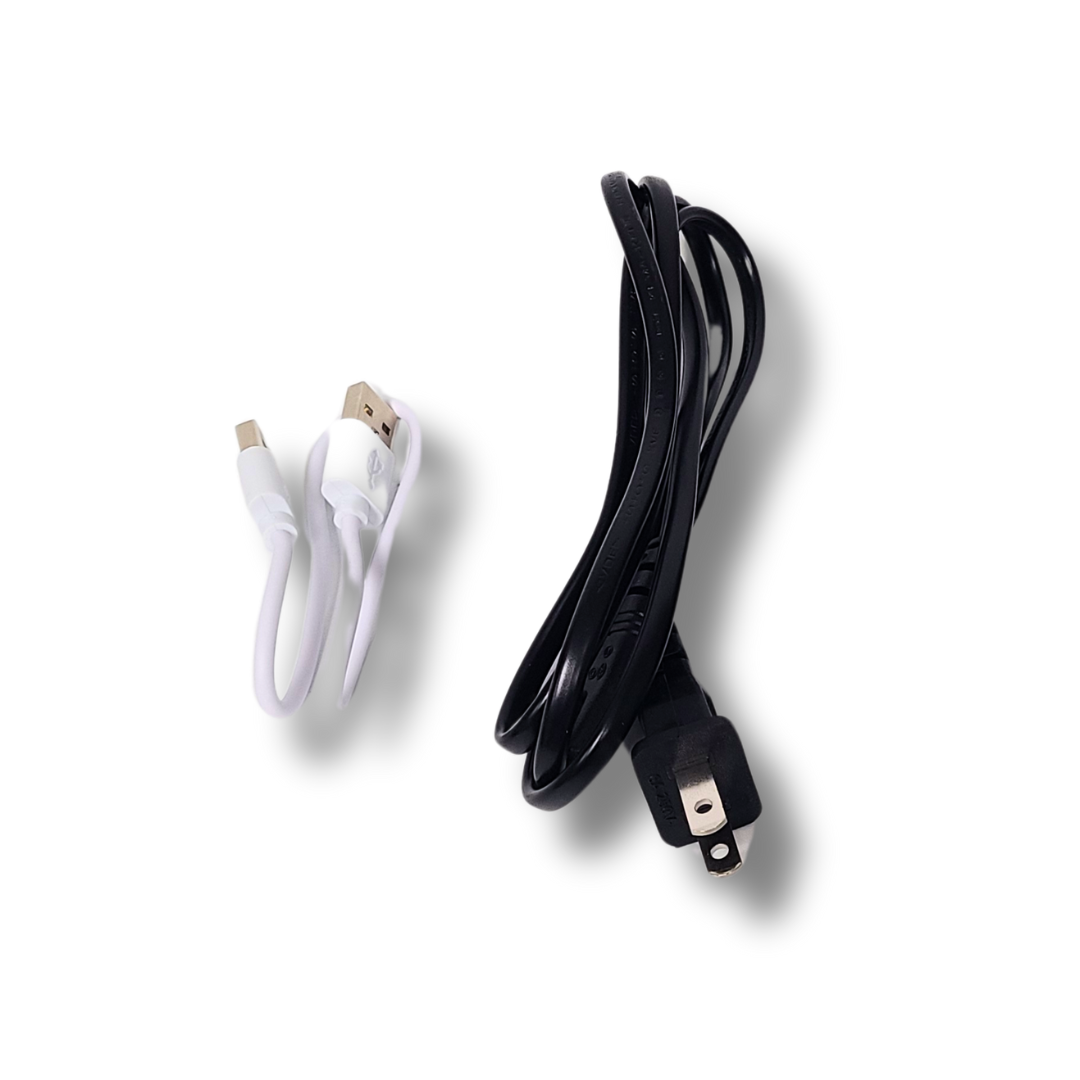
What’s in the Box:
- ToolkitRC M6AC Charger
- AC Power Cable
- XT60 Charging Cable
- Instruction Manual
Additional Details:
Portability: Compact form factor ideal for field use, workshops, or desktop charging setups.
User-Friendly: Simple navigation and configuration, ideal for users of all experience levels.
Whether you're into RC cars, planes, drones, or boats, the ToolkitRC M6AC charger is a powerful and dependable charging solution that covers all your charging needs with speed and precision.


Add a title to introduce your product's features
Highlights
Provide details in each of the collapsible rows to give your customers the information they need to pick the best product.
Change the title and icon of each row to suit your brand.
Scent
Details
Ingredients
Feature a compelling customer review about your product or brand.
- CUSTOMER NAME HERE -
-
Multicolumn
Use a combination of images and text to share information about this product, and your brand.
-
Multicolumn
Consider adding information about your shipping and return policies.
-
Multicolumn
Consider highlighting your environmental commitments.
-
Multicolumn
Consider describing a money-back guarantee or highlighting your customer service.
Introduce other complementary products.
DESCRIBE HOW TO PAIR PRODUCTS TOGETHER
Image with text
Pair text with an image to focus on your chosen product. Add details on availability, style, or even provide a review.
Image with text
Pair text with an image to focus on your chosen product. Add details on availability, style, or even provide a review.
Image with text
Pair text with an image to focus on your chosen product. Add details on availability, style, or even provide a review.